Lacre y arco
A sealed envelope opens onto an arched cover, followed by the calendar, the venue, the itinerary, the dress code, a gift note and the RSVP.
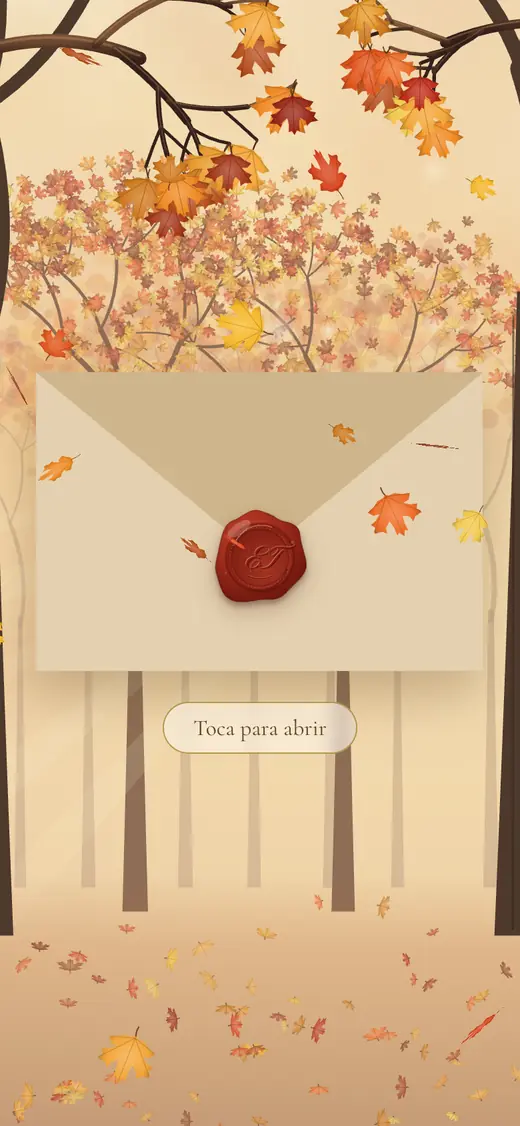
The sealed envelope 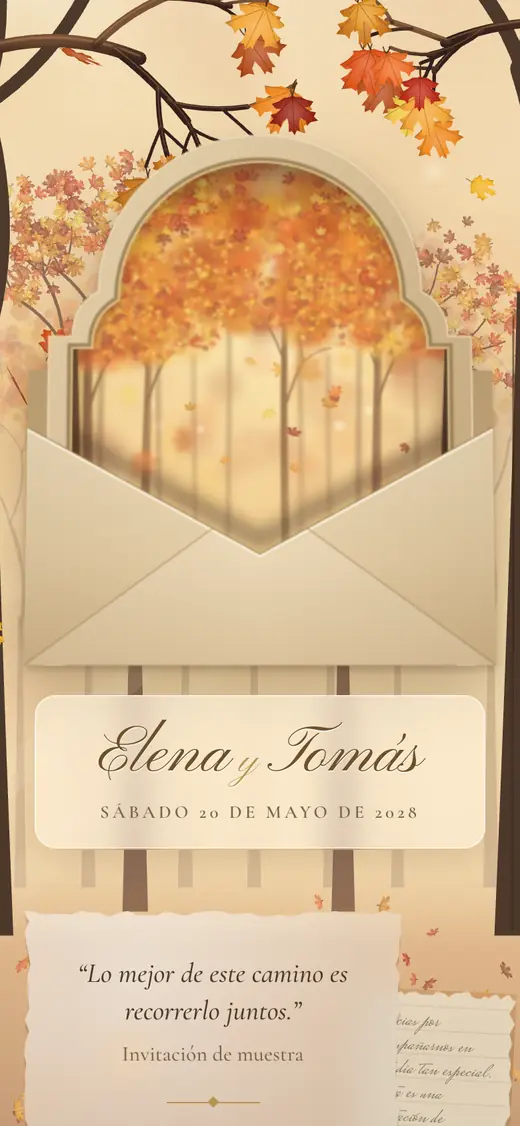
The cover 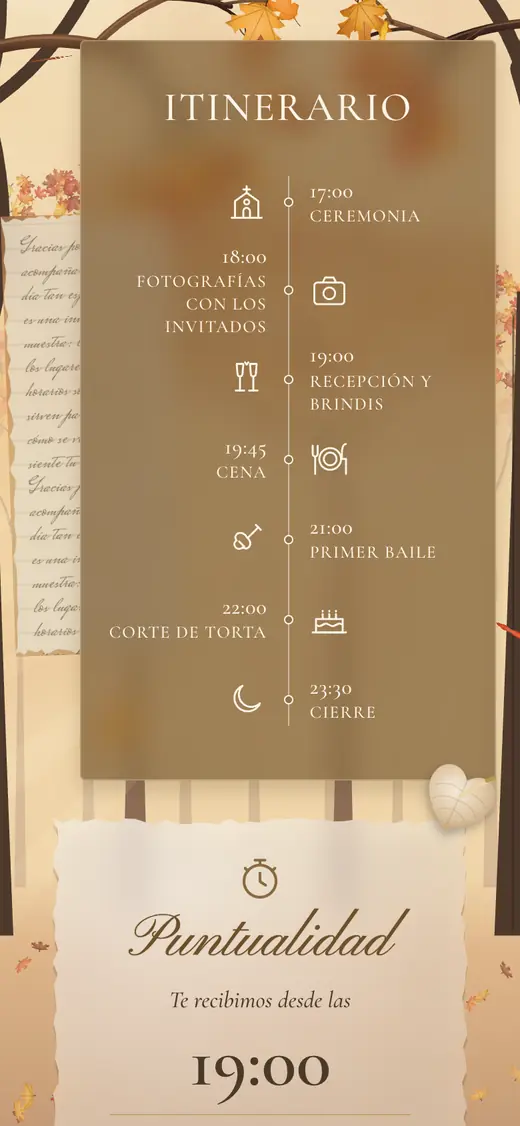
The itinerary 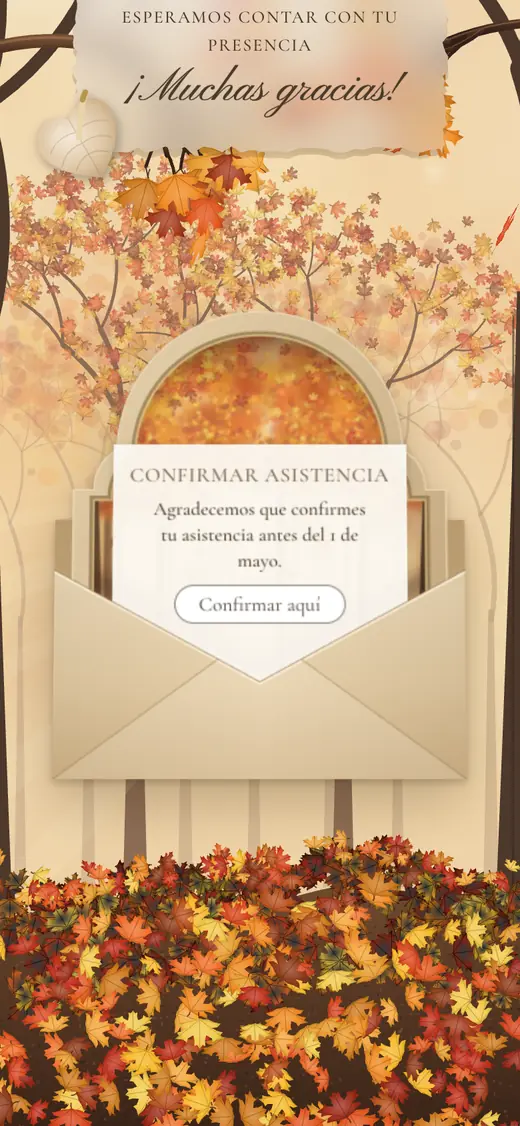
RSVP
One link for the whole wedding
Pick a design, make it yours and send a single link. Your guests see the invitation, the schedule and the map, and confirm their attendance in the same place.
Three steps
Browse the designs and open a live demo to see how an invitation looks before you decide.
Fill in your names, date, venues and schedule while the invitation is a draft. Setting it up costs nothing.
A single payment publishes your invitation. Then you share its link with your guests.
See it live
Open a live demo to see each design with sample content.
A sealed envelope opens onto an arched cover, followed by the calendar, the venue, the itinerary, the dress code, a gift note and the RSVP.
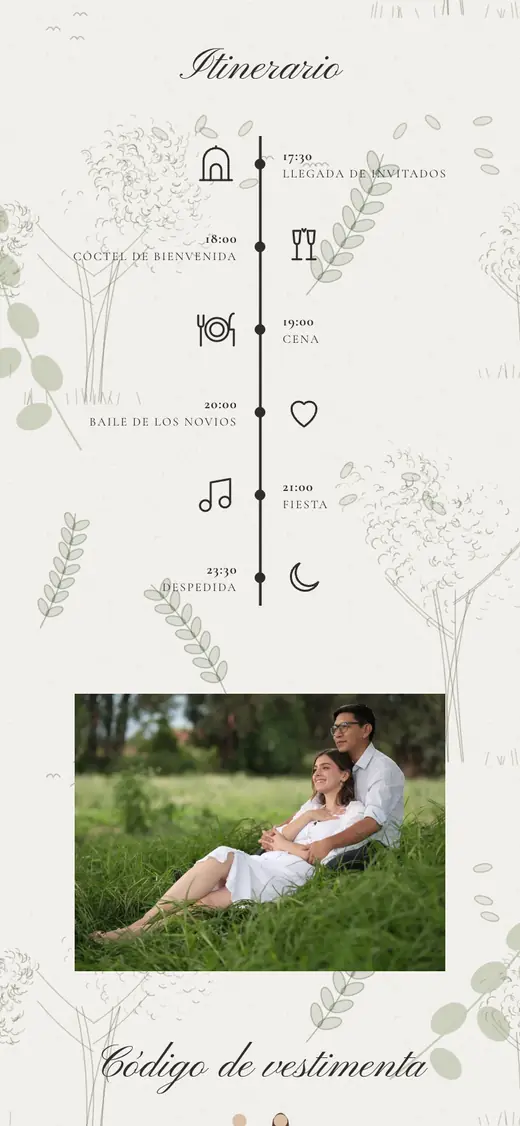
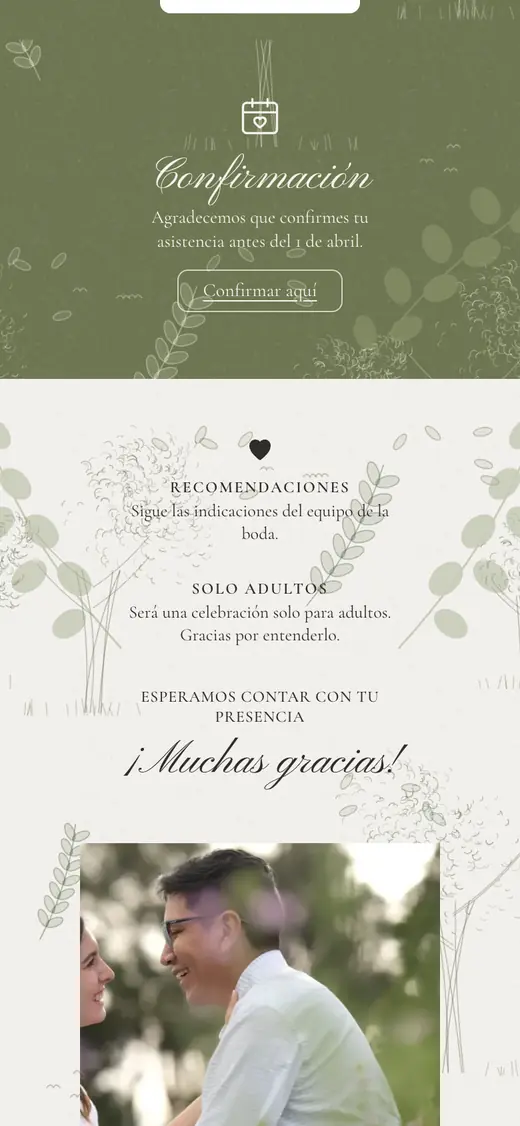
Hand-drawn botanical trees on an olive-green envelope, with a music player, the countdown, the itinerary and the dress code.

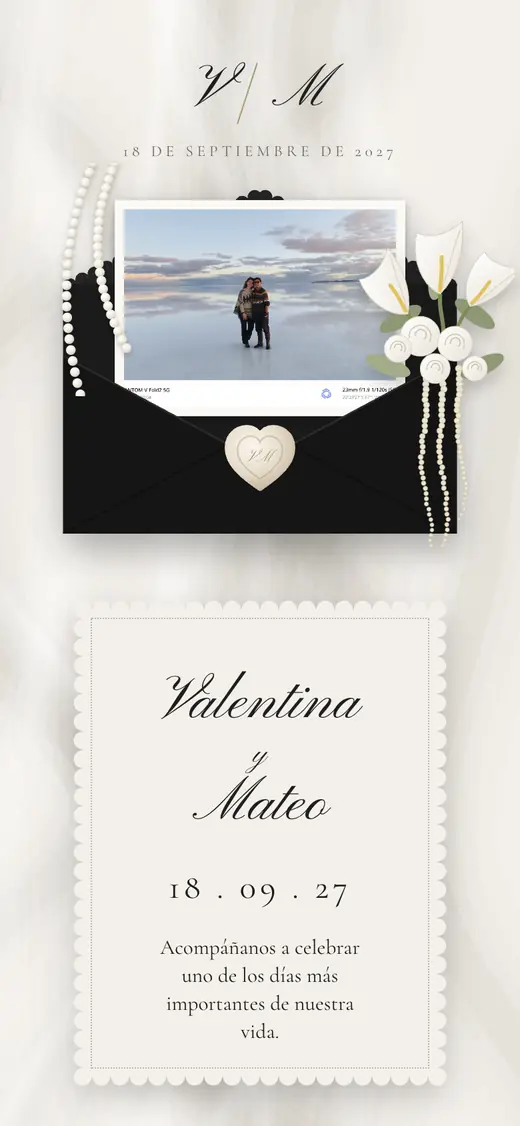
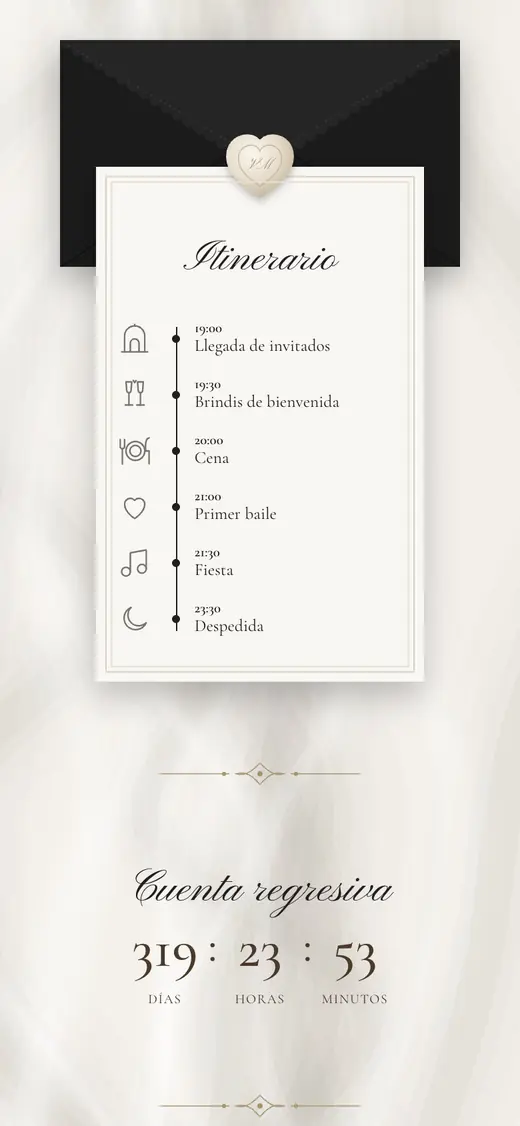
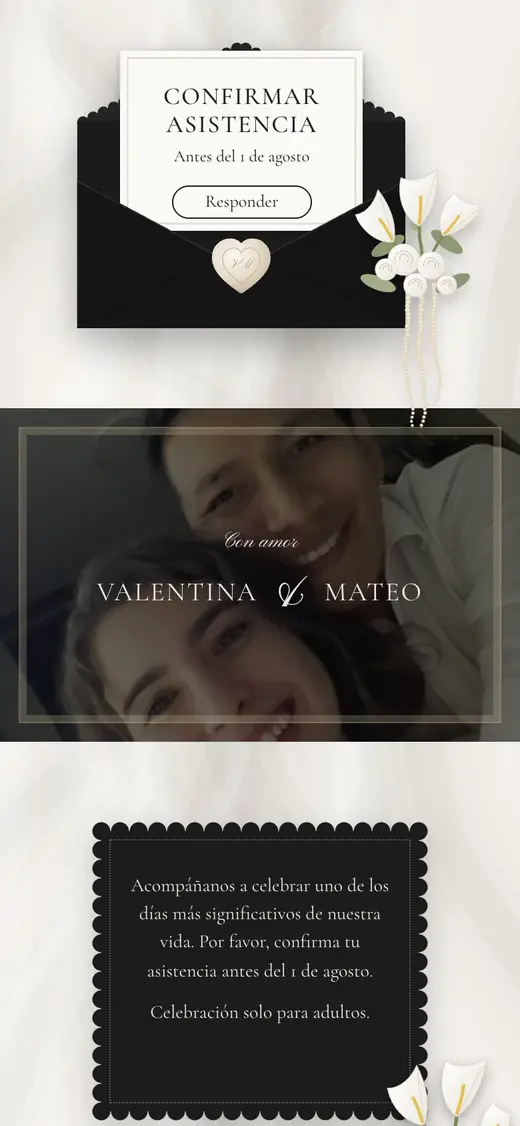
Black envelopes and ivory satin with pearls and calla lilies: a sober, elegant design with the story, the itinerary and a countdown.
Large photographs and fine serif type, like a magazine spread: calendar, schedule, venues, gifts and a code-based confirmation.
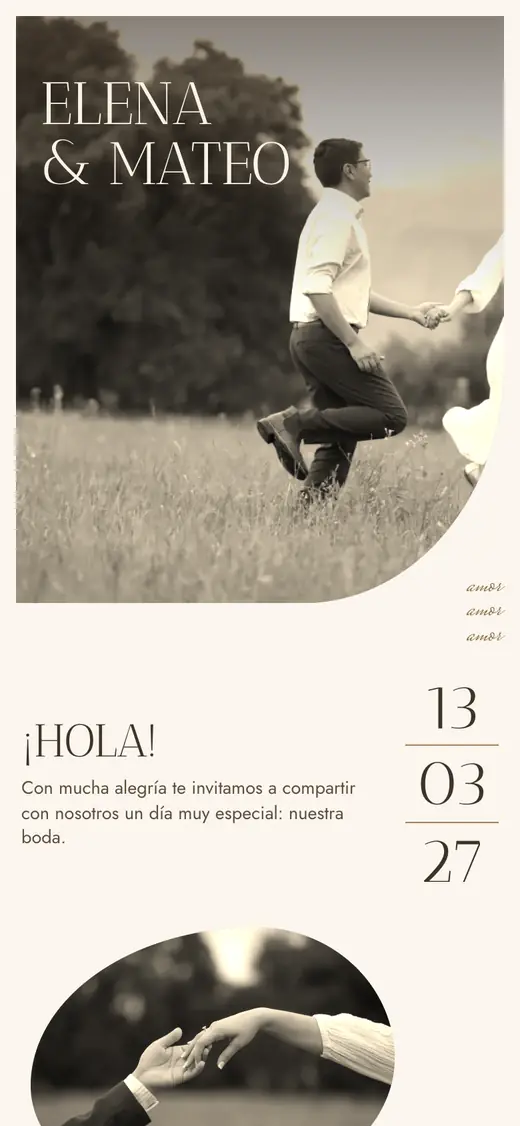
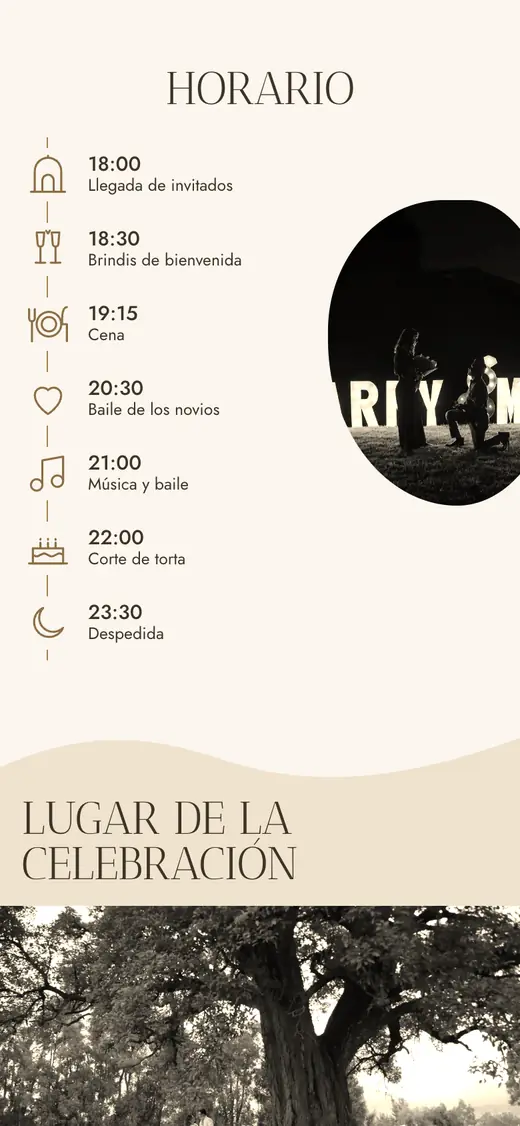
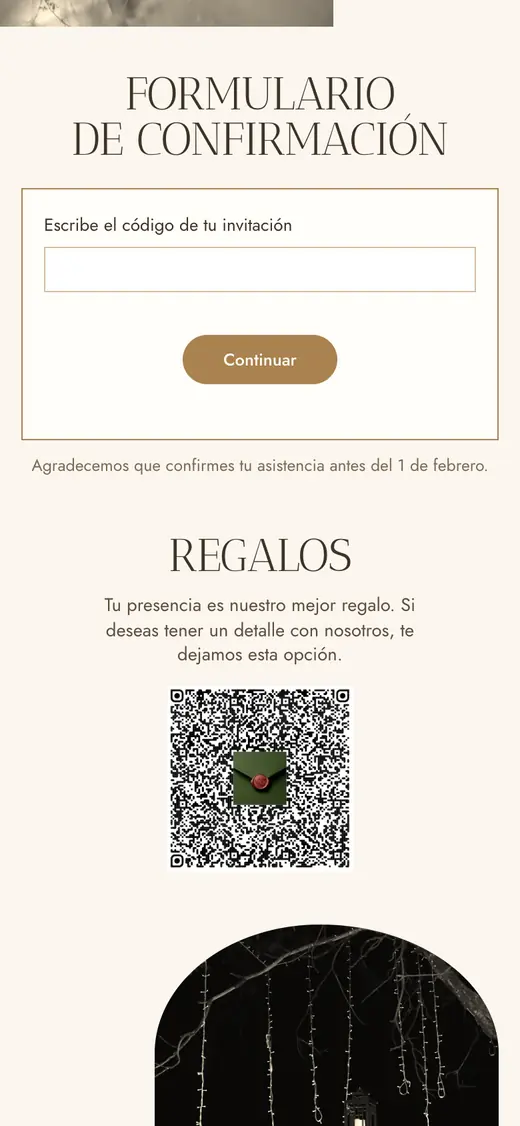
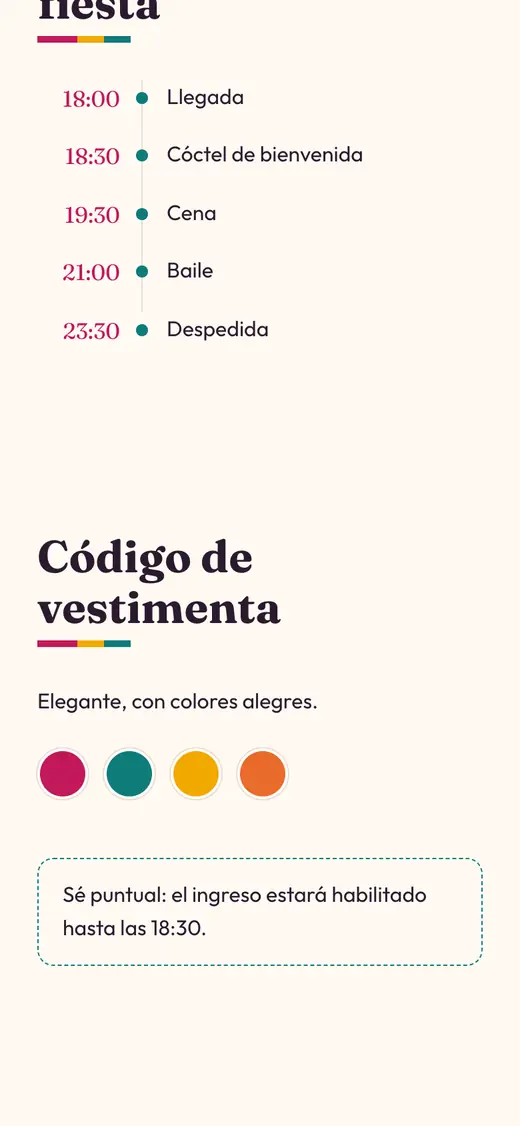
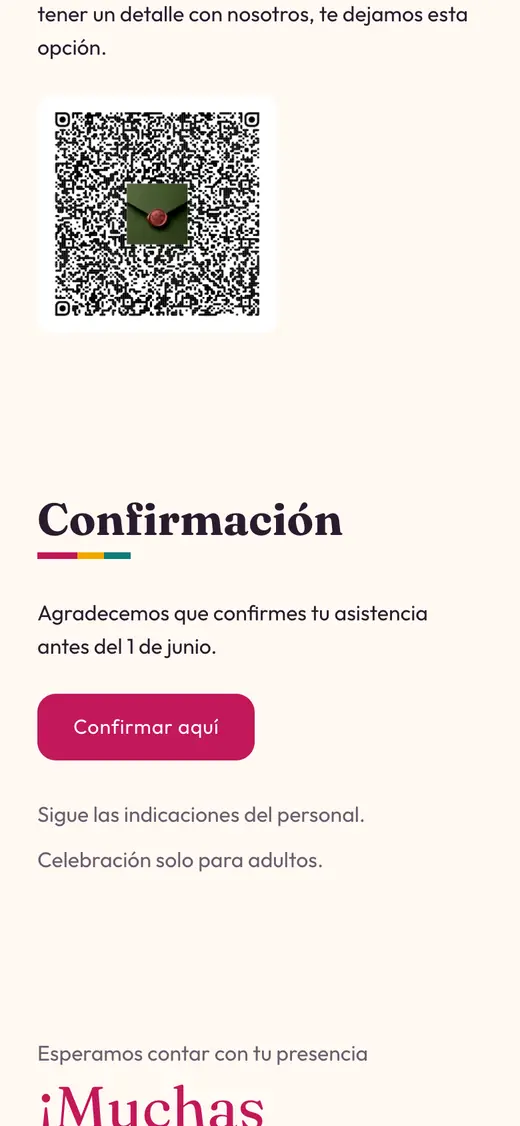
Bold, colourful and warm, inspired by Andean woven textiles: the calendar, the venues, the itinerary and the RSVP, all in one scroll.

Included
Each family or group gets a code. Guests enter it to confirm who is coming.
Your song, one tap away on the invitation.
The program of the day and the venues, with links to open them on a map.
Tell guests what to wear and how to give a gift, in your own words.
Sign in with Google or an email link to edit your details and manage your guest list.
A 200-message allowance per couple to help you adjust your texts.
One-time payment
Price announced soon
Publishing will be a one-time payment: you pay once, not every month.
FAQ
No. You choose a design and configure it for free while it is a draft. You pay once, only to publish.
The price will be announced soon. It will be a one-time payment.
Each group of guests receives a code. They enter it on the RSVP page and answer for everyone in the group.
Yes. Sign in as a couple with Google or an email link to edit your details and your guest list.
It is coming soon. Each couple will have an allowance of 200 messages.
Sign in with Google or an email link to keep editing it.